HTML5 semántico
Estructura tu contenido con elementos semánticos, formularios accesibles y marcado amigable para SEO. Crea páginas con sentido tanto para las personas como para las máquinas.

Crea HTML semántico, diseños CSS fluidos e experiencias interactivas con JavaScript. Cada línea de código se construye con propósito y atención al detalle.
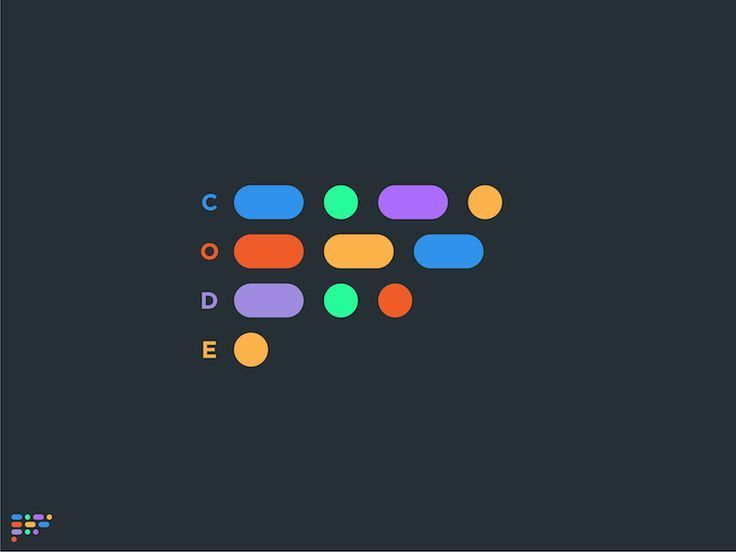
Desde una estructura semántica hasta diseños fluidos y experiencias interactivas, cada sitio web moderno se basa en el mismo trío de tecnologías. Si las dominas, podrás crear cualquier cosa.
Estructura tu contenido con elementos semánticos, formularios accesibles y marcado amigable para SEO. Crea páginas con sentido tanto para las personas como para las máquinas.
Crea diseños responsivos con Flexbox, Grid y Container Queries. Da vida a tus diseños con animaciones, transiciones y propiedades personalizadas de CSS.
Añade interactividad con JavaScript vanilla. Desde la manipulación del DOM hasta el fetch asíncrono, escribe código limpio y mantenible que funcione en cualquier parte.
Crea experiencias que se adapten a cualquier pantalla. Mobile-first, mejora progresiva y optimización del rendimiento para cada dispositivo y velocidad de conexión.
Los desarrolladores profesionales confían en un conjunto de herramientas y flujos de trabajo esenciales que aumentan la productividad, garantizan la calidad y hacen que la colaboración sea fluida.
Haz seguimiento de los cambios, colabora con otros y gestiona tu base de código con Git. Crea ramas, combina y despliega con confianza.
Automatiza tu flujo de trabajo con bundlers y task runners. Compila, minifica y optimiza tu código para producción con un solo comando.
Gestiona dependencias sin esfuerzo con npm o pnpm. Instala, actualiza y comparte librerías entre tus proyectos con facilidad.
Acelera tus estilos con frameworks utility-first. Crea diseños consistentes y responsivos sin escribir CSS repetitivo.
Detecta errores a tiempo con pruebas automatizadas y los DevTools del navegador. Escribe pruebas unitarias y de integración, y depura con confianza.
Optimiza los Core Web Vitals, implementa lazy loading de recursos y reduce el tamaño de los bundles. Ofrece experiencias rápidas y fluidas que encantan a los usuarios.

"Me encanta crear para la web porque combina creatividad con lógica. Cada proyecto es un nuevo desafío, y la satisfacción de verlo cobrar vida nunca se agota."
Miles de desarrolladores, desde principiantes hasta profesionales experimentados, perfeccionan sus habilidades con Podia. Descubre cómo aprender desarrollo web puede abrir puertas que nunca imaginaste.
Desde portafolios personales hasta aplicaciones web complejas, descubre lo que desarrolladores como tú crean cada día con tecnologías web modernas.
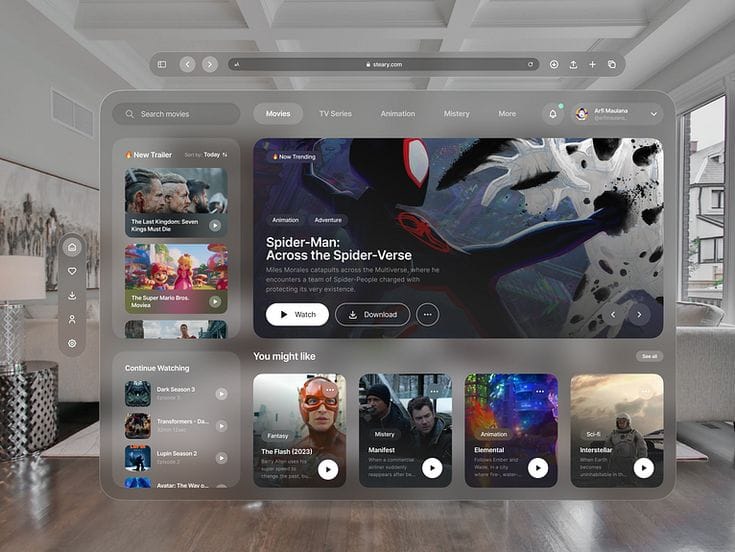
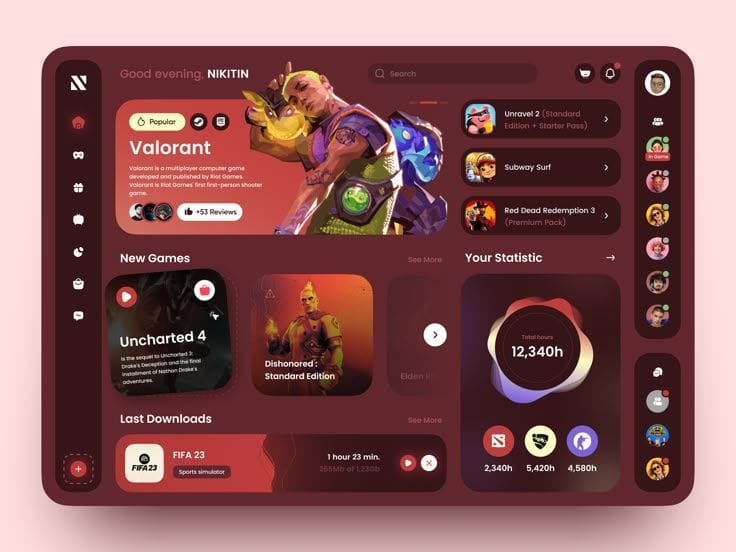
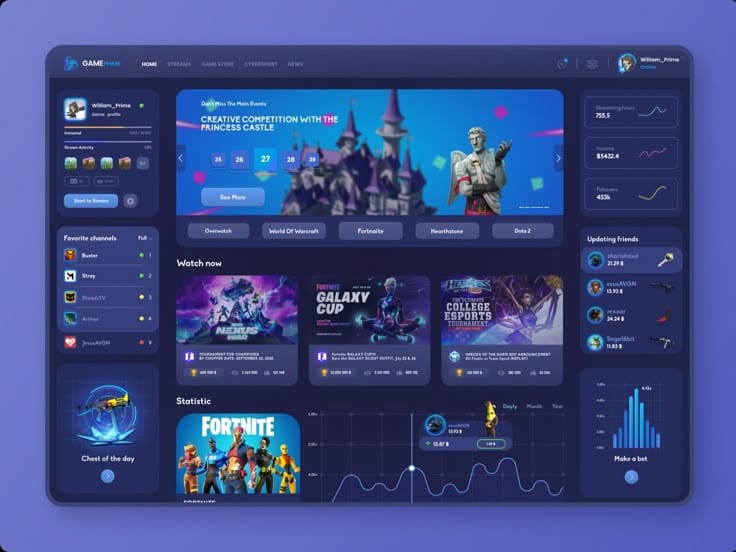
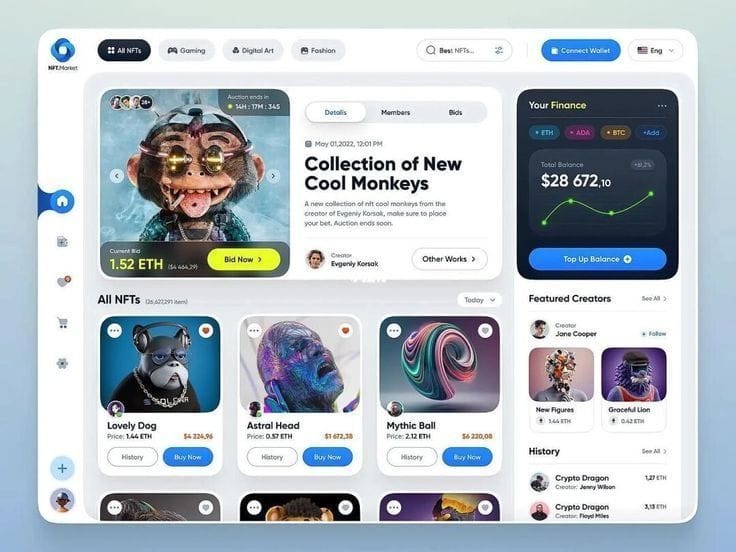
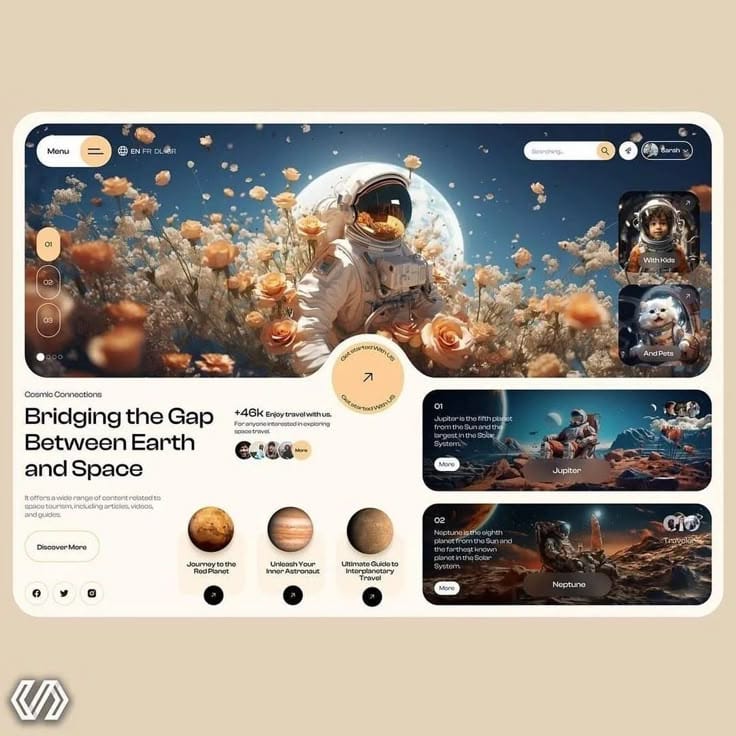

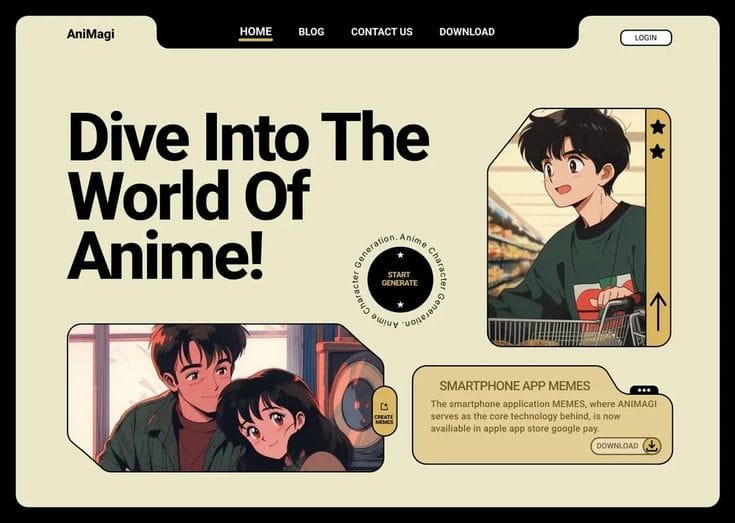
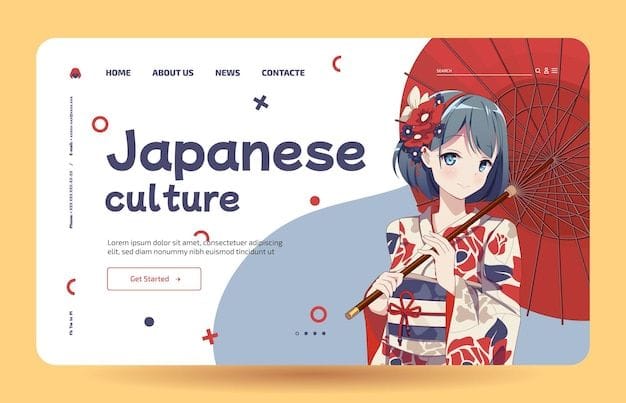
La mejor manera de aprender desarrollo web es construyendo proyectos reales. Ya sea que estés empezando o quieras dar un paso más, siempre hay algo nuevo por descubrir.
Comienza con los fundamentos y avanza hacia temas más avanzados. HTML, CSS, JavaScript: construye una base sólida paso a paso.
Aplica lo que aprendes creando sitios web y aplicaciones reales. Proyectos listos para tu portafolio que demuestran tus habilidades a futuros empleadores.
Conecta con otros desarrolladores, comparte conocimiento y recibe comentarios sobre tu código. Aprende más rápido creciendo junto a los demás.
Solo necesitas una computadora, un editor de texto y un navegador web. Comienza con HTML para la estructura, CSS para los estilos y JavaScript para la interactividad. No se requiere experiencia previa.
Un sitio sencillo de una página se puede crear en unas pocas horas cuando ya conoces lo básico. Proyectos más complejos, como aplicaciones web, pueden llevar semanas o meses, según las características y tu nivel de experiencia.
Los desarrolladores usan editores de código (VS Code), control de versiones (Git), gestores de paquetes (npm/pnpm), herramientas de build (Vite) y los DevTools del navegador. Cada herramienta cumple una función específica en el flujo de trabajo de desarrollo.
No necesariamente. Aunque entender principios de diseño ayuda, muchos desarrolladores se especializan en la lógica de frontend o backend. Los frameworks de CSS y los design systems pueden ayudarte a crear sitios atractivos sin tener experiencia en diseño.
Sigue blogs de desarrolladores, únete a comunidades en línea, asiste a webinars y practica regularmente. La web evoluciona rápido, pero los fundamentos — HTML, CSS y JavaScript — siguen siendo esenciales.